Here's what's actually in the app and what each part does.
Start
Match Setup & Game Modes
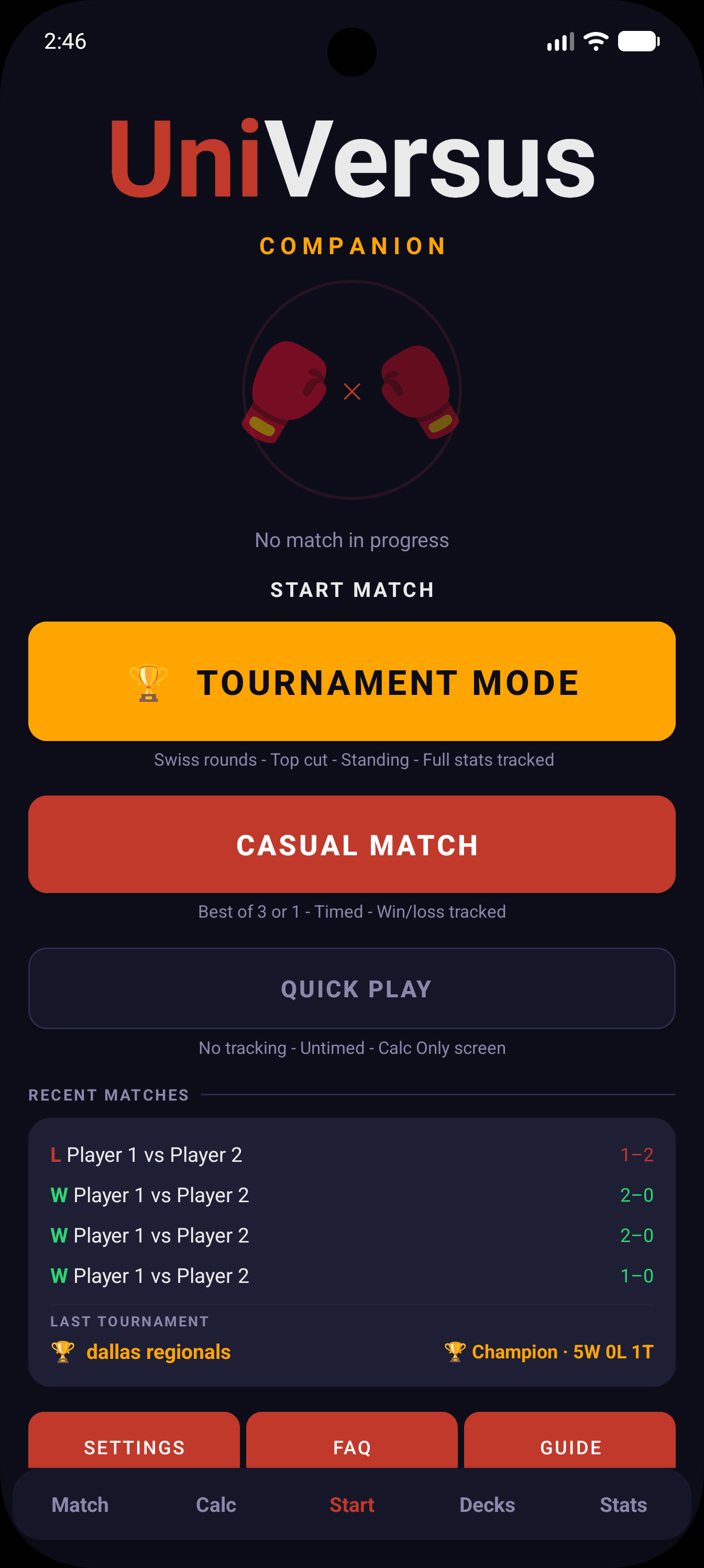
Everything starts here. Casual Match is the full setup — player names with character autocomplete (HP fills in from the character's vitality), BO1 or BO3, and a timer mode. That drops you into the Match tab for HP tracking, attack log, and everything else. Tapping either player's HP or the Calc button takes you to the Calc screen mid-game — press a block and it sends you straight back to Match, applies the damage, and plays the animation. Calc Only runs the same setup but keeps everything on the Calc tab — results still save. Quick Play is a quicker version of that, also on Calc, but nothing gets saved. Tournament Mode runs the whole event from Swiss through Top Cut and Finals — fill in opponent info each round and pick between full Match or Calc Only.
Match
HP Tracking & Attack Log
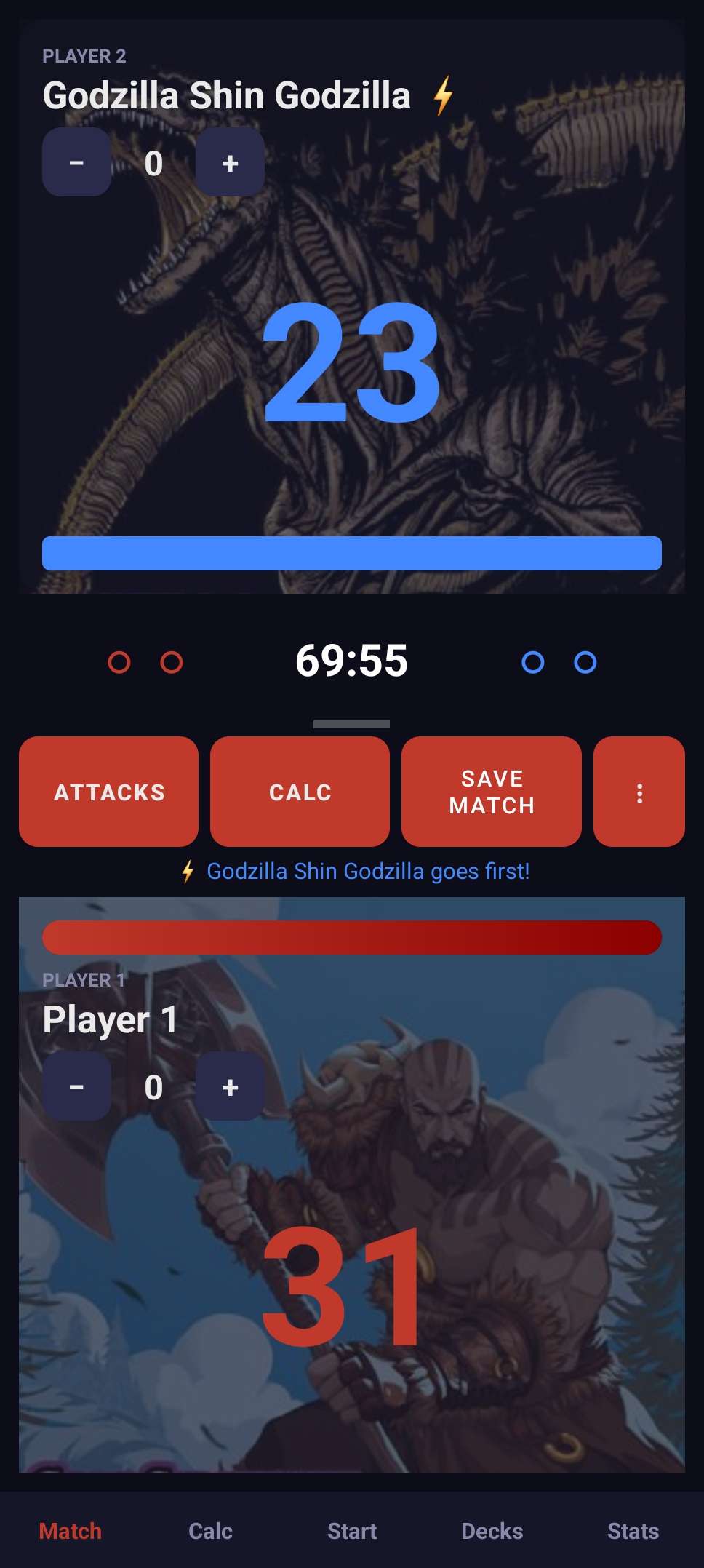
HP buttons for both players, plus a separate counter on each side for character-specific counters — Rage counters, Destoroyah counters, King Ghidorah counters, bullet counters, whatever a character needs. Not for tokens, just numeric counters that need tracking. Attacks log automatically — direction, speed, damage, block result — so the whole game is on record without you writing anything. HP text shifts from the player's color to orange below half, then bright red below 20%. You can add notes mid-game or on the results screen, and share the result card straight from the victory screen.
Match
BO1 & BO3 Series Tracking
Pick Best-of-1 or Best-of-3. Tracks game scores and who went first each game, then calls the series winner when it's done. Result saves automatically with the full score — 2–1, 1–0, whatever it ended up. Ties are handled correctly too, no HP tiebreaker nonsense.
Match
Match Timer
Four format modes built in: Best of 3 (60 min + 10 min overtime), Best of 1 (30 min + 10 min overtime), Top Cut (90 min), and Finals (no time limit). Kicks off as soon as the match starts. For BO3 and BO1, when the main timer hits zero the screen flashes OVERTIME and the 10 minutes start — if a winner is decided during overtime you can hit Save Match to end and record it early (full Match mode only — in Calc Only, switch to the Match tab to save). When overtime runs out the match ends automatically. For Top Cut, when the 90 minutes are up it calls TIME OVER — if one player is clearly ahead on games it declares the winner, and if it's tied it asks who won, since Top Cut can't end in a draw.
Calc
Attack Calculator
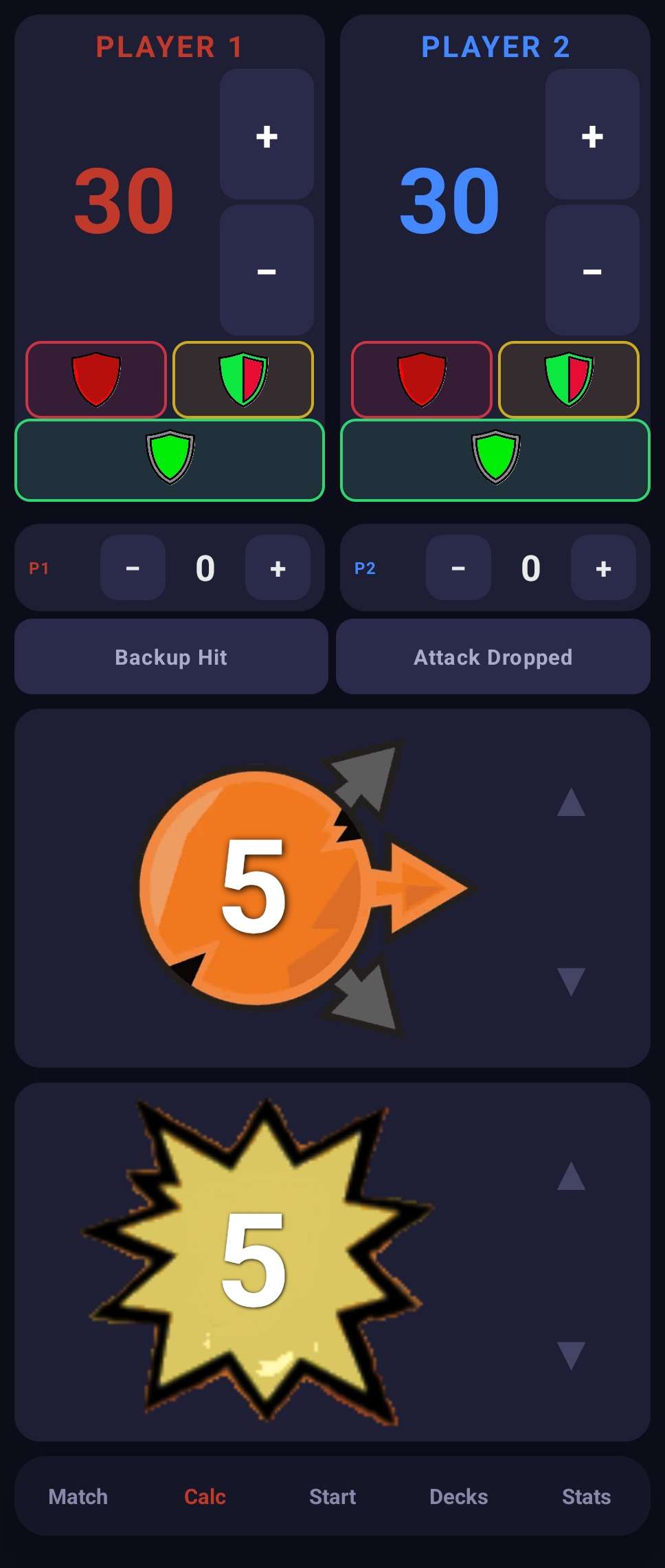
Put in the speed and damage, pick High/Mid/Low zone, then hit Unblocked (red), Half Block (gold), or Full Block (green) — damage applies right away. HP is tracked for both players the whole time with automatic KO calls. In a full match, pressing a block button sends you back to the Match screen where the damage is applied and a block animation plays. Two extra log buttons handle edge cases: Backup Hit records a hit landing on the backup — full damage is logged to the backup without touching the active player's HP. Attack Dropped logs a dropped attack for the record with zero damage applied. On its own the Calc tab is just the attack math and HP — BO1/BO3 series tracking only kicks in when you launch Quick Play, or when you choose Calc Only during casual or tournament match setup on the Start tab. Quick Play results don't save to history; Calc Only does.
Tournament
Full Tournament Tracking
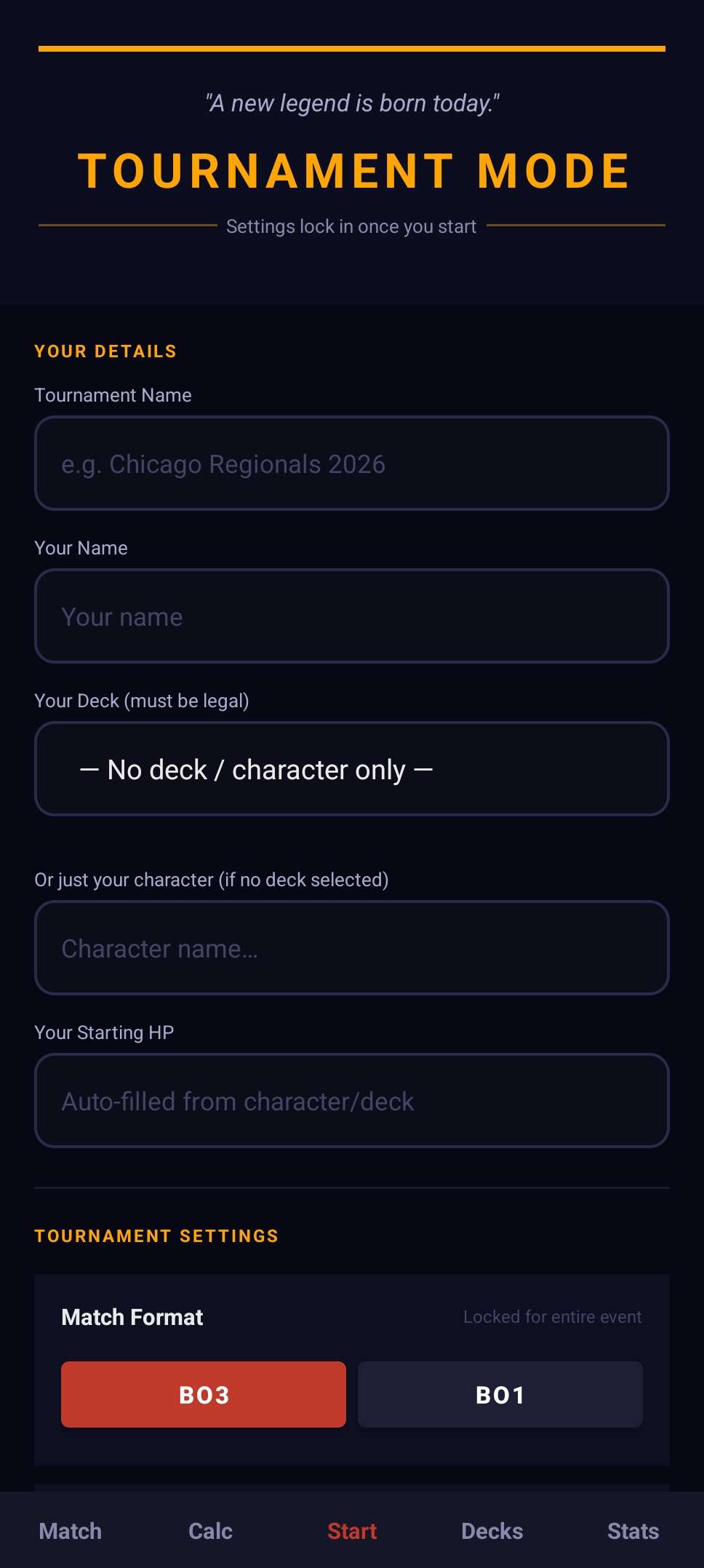
Set up your tournament once with the name, deck, character, and format — then just log each round as you play. Works for single-day events and two-day events with a separate Day 2 Swiss stage. Each round records opponent name, character, result, and score. When it's over, the full record saves to the Events tab in Stats where you can review it any time and export it as a PDF.
Tournament
Stream Match Mode
During setup there's an option to mark that your event has a stream. With that on, it asks before each round if your match is being streamed — if it is, you enter the result manually when it's done and move on. Finals always get that prompt regardless, since they're almost always on camera anyway.
Decks
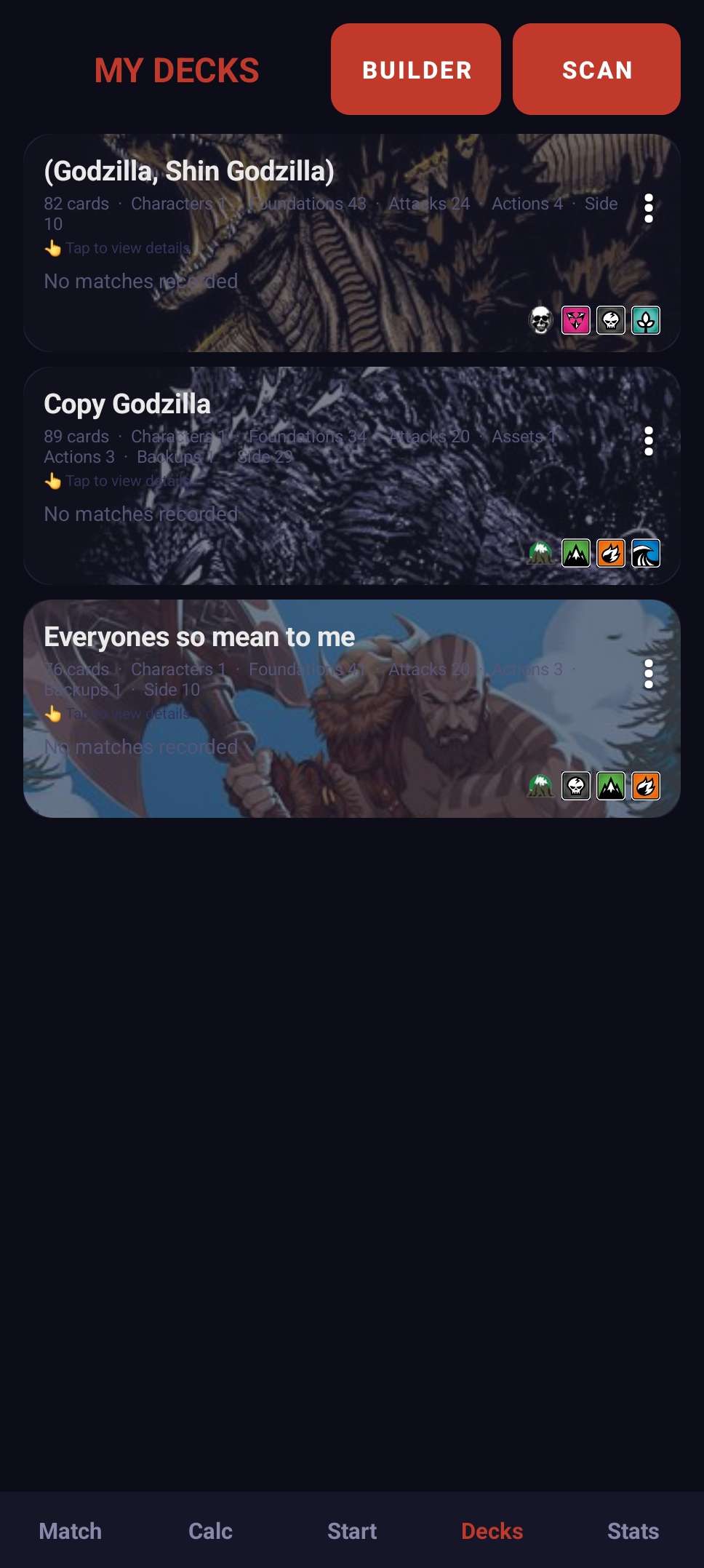
Full Deck Builder
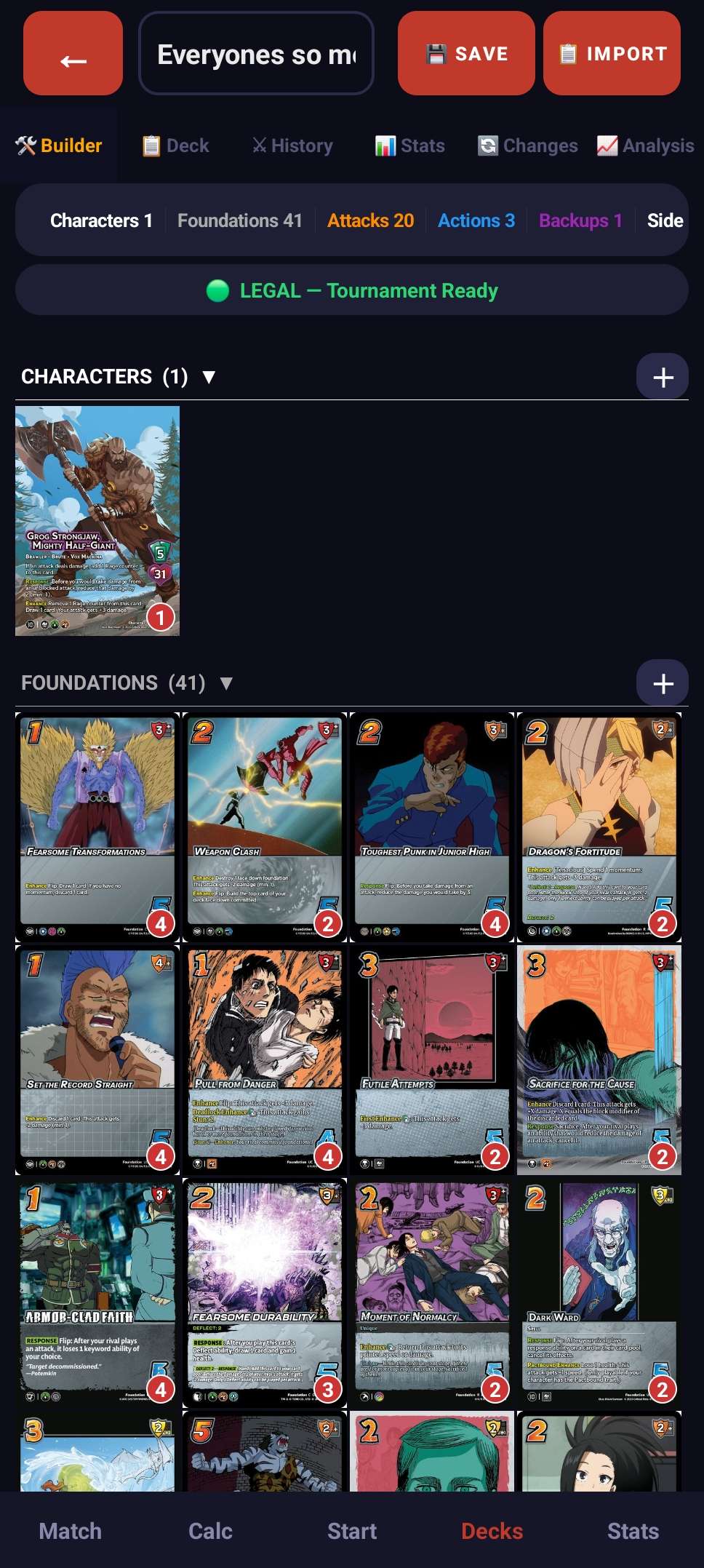
Search the full card database, tap to add, long-press to change quantity. Legality checks happen live as you build and cards sort into their sections — Character, Foundation, Attack, Asset, Action, Backup, and Side. Tap any card to open a detail view with arrows to flip through the whole deck.
Decks
Forum Code Import & QR Sharing
Build your deck on
uvsultra.online, copy the
Forum Code it generates, and paste it straight into the app using the Import button inside the Deck Builder. Share any deck as a scannable QR code — anyone with the app can scan it and import the full list instantly.
Decks
Auto Changelog
Every save records what changed — what went in, what got cut, and when. The Changes tab inside any deck shows the full history, so you can always trace how the list got to where it is.
Decks
Deck Simulator
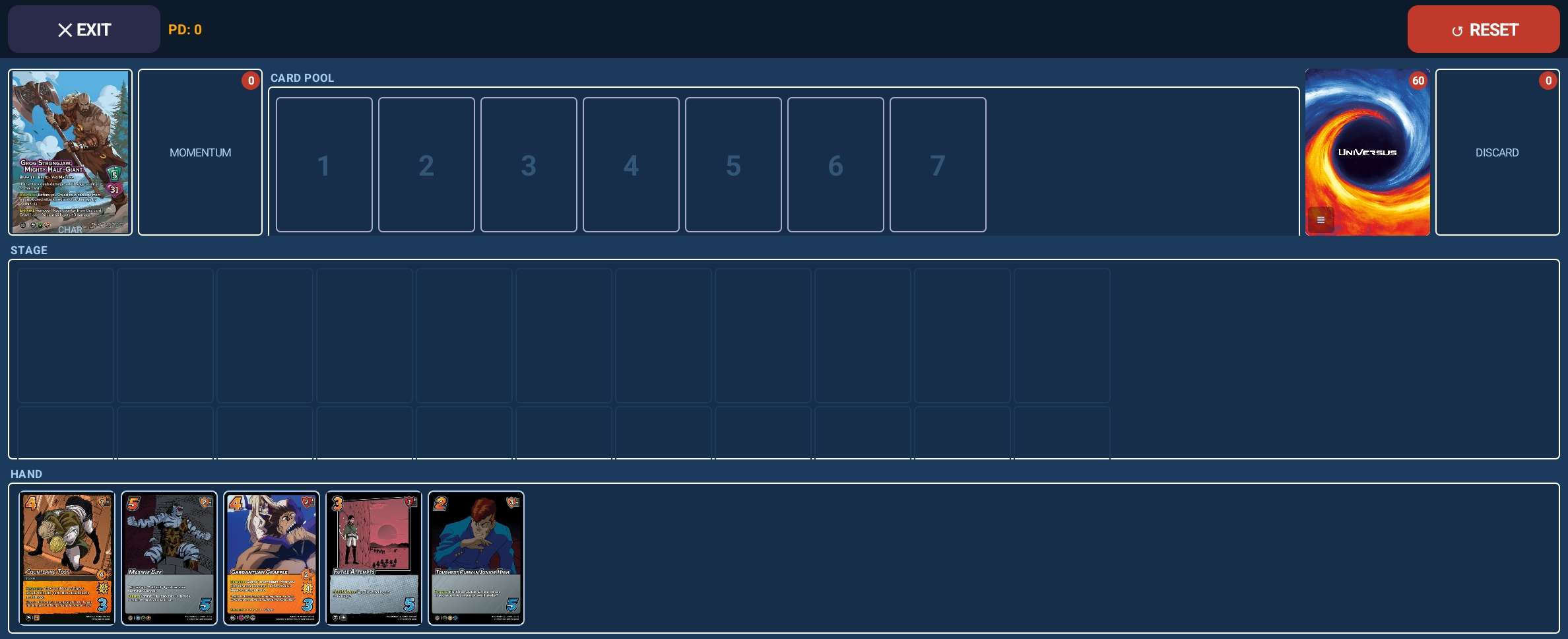
Test your deck solo without a real opponent. Shuffle and draw from your actual deck list, play cards to the stage, and move them between zones — hand, pool, stage, momentum, and discard. Good for checking opening hands, running through card lines, or just getting reps in before a tournament.
Stats
Match History
Every match saves with date, players, result, deck, and notes. History gets grouped by tournament event and casual session — each one labeled. Wins are green, losses red, ties gold. The search bar works across opponent name, deck, result, date, and notes all at once. If you're mid-tournament, a banner for it sits at the top.
Stats
Opponent Character Tracking
Opponent character is saved with every match. In the Stats tab you can search by character name and pull up every match you've played against them across all your decks and events — it's a straight history search, not a breakdown. In the Deck Hub, open any deck and use the history search to filter by opponent or character name — it'll show your W/L/T with that deck against that specific character. Each deck also shows its overall W/L/T and win rate with casual and tournament counted separately.
Stats
Archives & PDF Export
Hit Archive to save your current match history under a name — useful for locking in a season or event period. Each archive shows the W/L/T, match count, and deck, with a tap to expand the full list. The Events tab has every completed tournament you've tracked, round by round. Both can be exported as a PDF.
App
Backup & Restore
Settings > Backup All Data dumps everything into one file — matches, decks, tournaments, stats, all of it. Load that file on any Android device and you're right back where you were. No account, no cloud, just a file on your phone.
App
In-App Feature Guide & FAQ
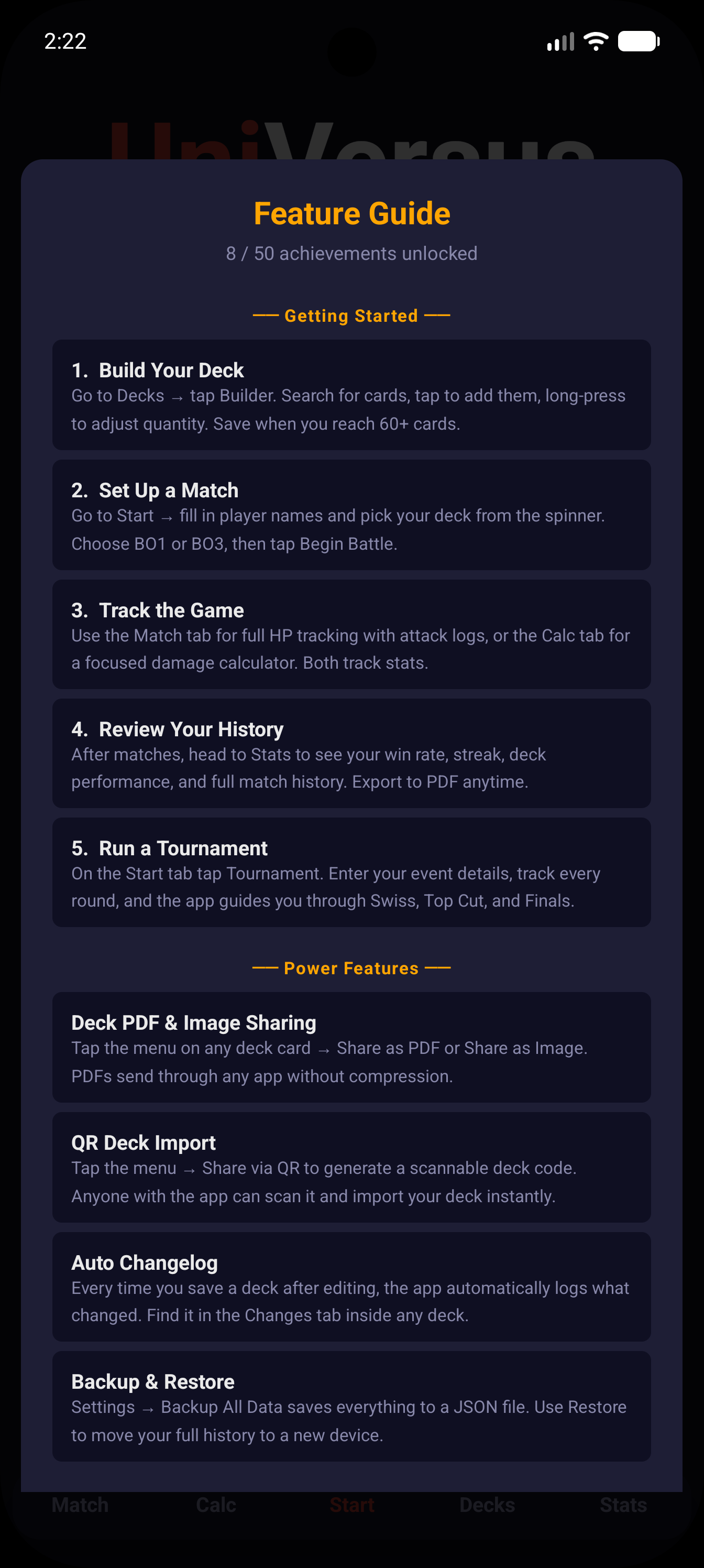
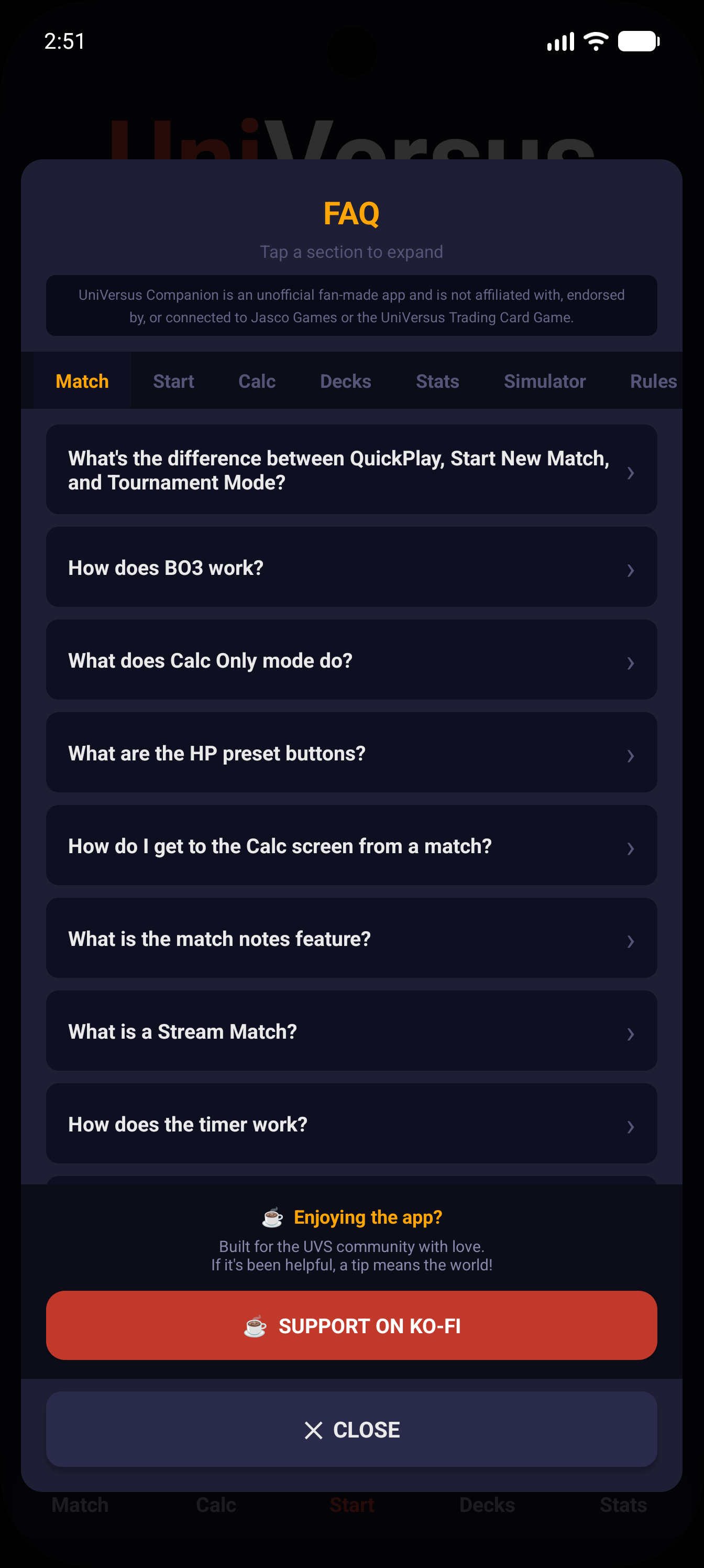
A built-in Feature Guide walks through how each part of the app works, step by step, with achievements that unlock as you use it. The FAQ covers every section with searchable, expandable answers — no internet needed, it's all in the app.
App
Fully Offline, No Account
Match tracking, tournaments, stats, deck building, the simulator — all offline. The only thing that needs a connection is card images in the Deck Builder — though you can pre-load those over Wi-Fi before you head out. Everything else lives on your device. No account, no login, nothing like that.